
Color puck
Your color, lighter and darker shades, recent colors and opacity, floating right next to your drawing.
 Starby Art
Start Drawing
Starby Art
Start Drawing
A drawing studio made for artists
Sketch, ink and paint in a studio that opens right in your browser. When your line art is ready, Paint For Me lays down color, shadow and light on their own layers, and never touches your lines.

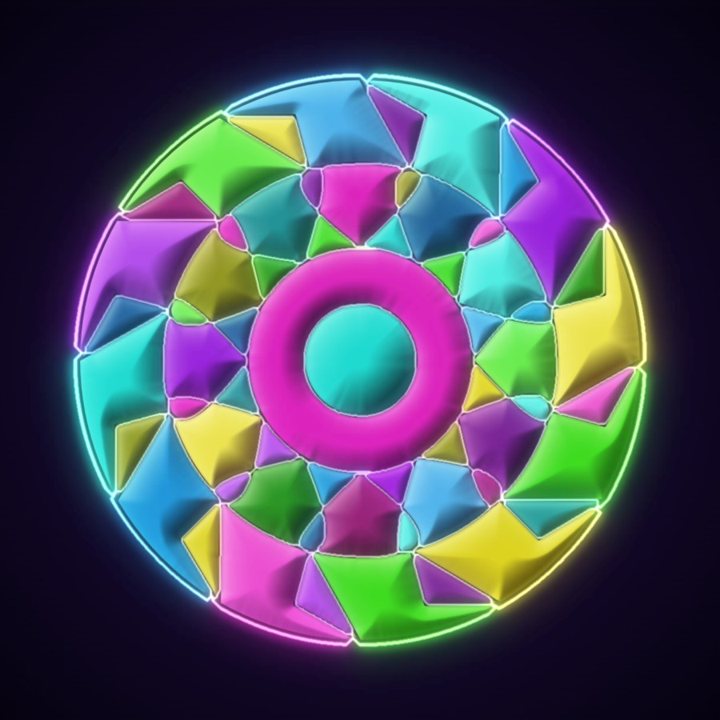
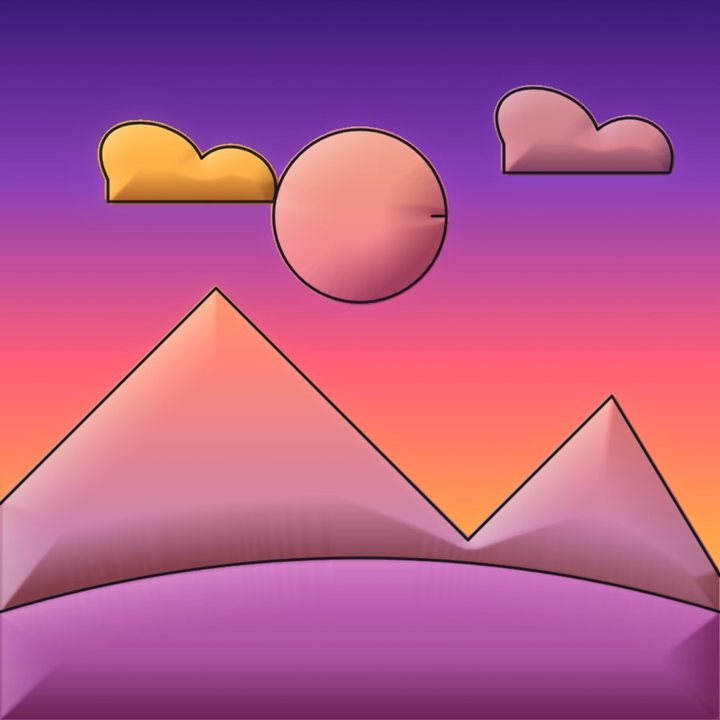
Color, shadow and light on their own layers
Paint For Me
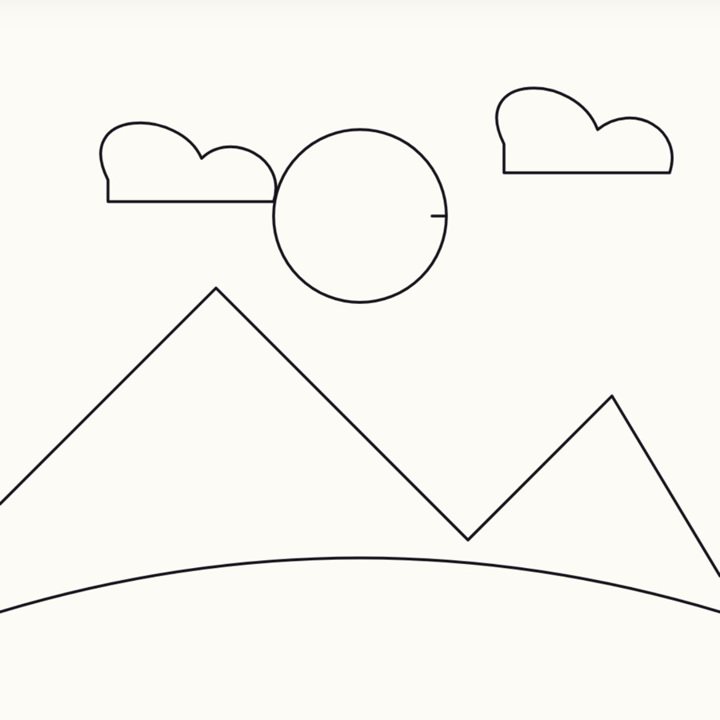
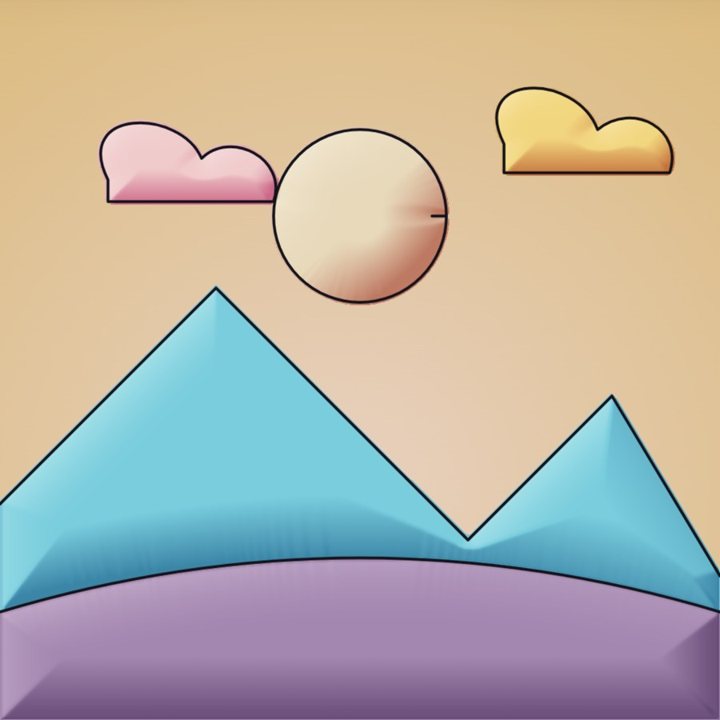
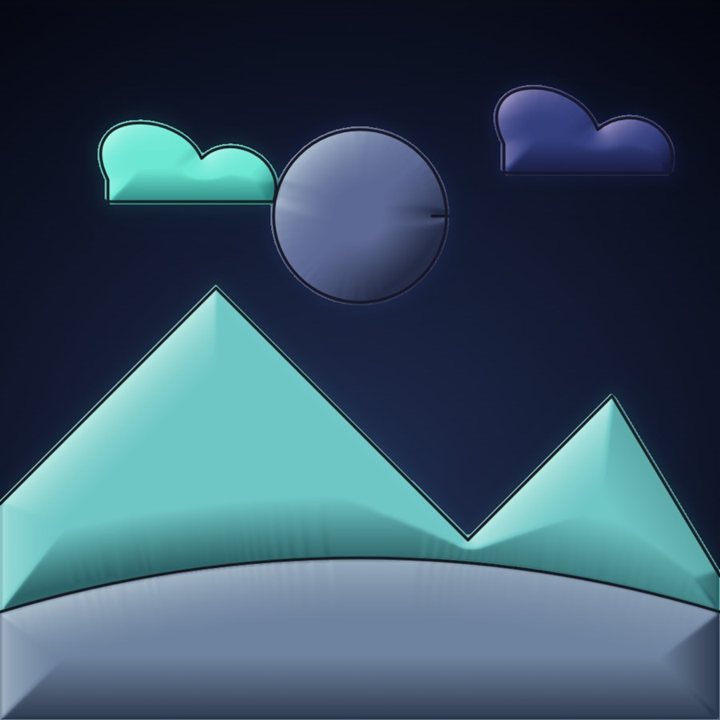
Paint For Me reads your line edges, finds the paint regions, applies a color palette, and builds editable flat, shadow, and light layers while keeping your lines visible.
A line drawing, waiting. Press the button.
Paint For Me
Finish your line art, pick a mood, and watch color arrive. Every color lands on its own editable layer with shadow and light, so the painting stays yours to push further.
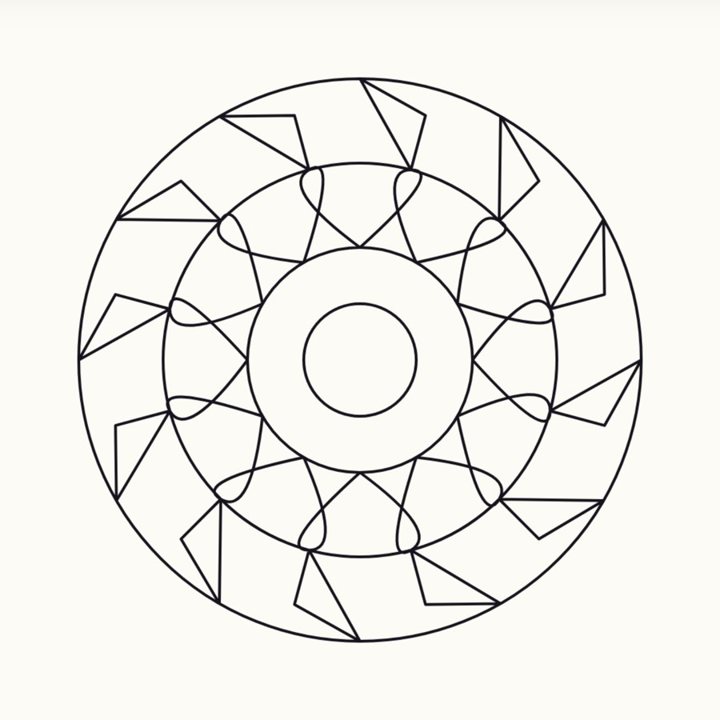
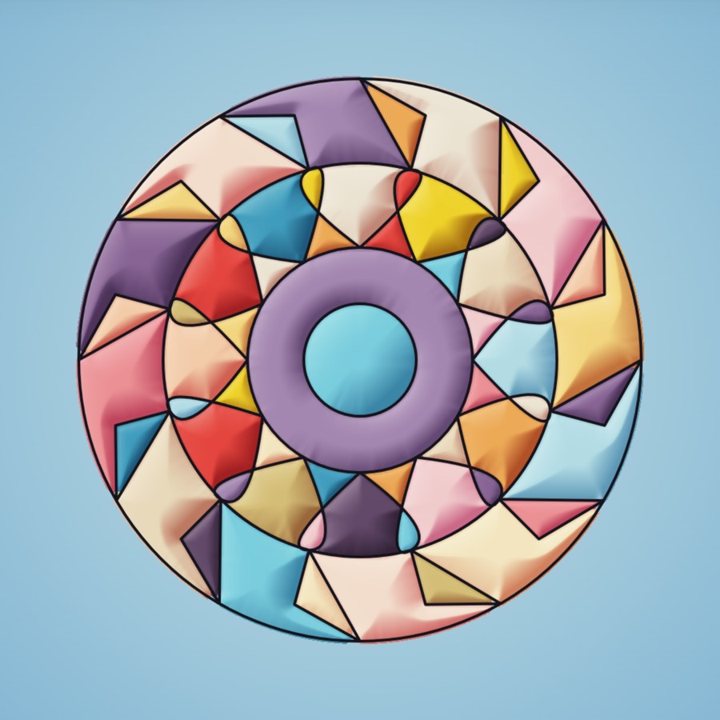
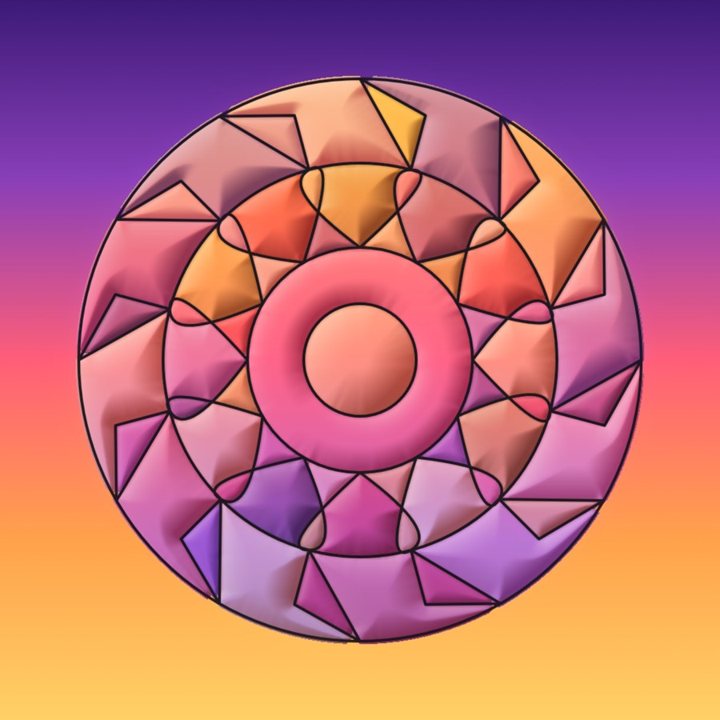
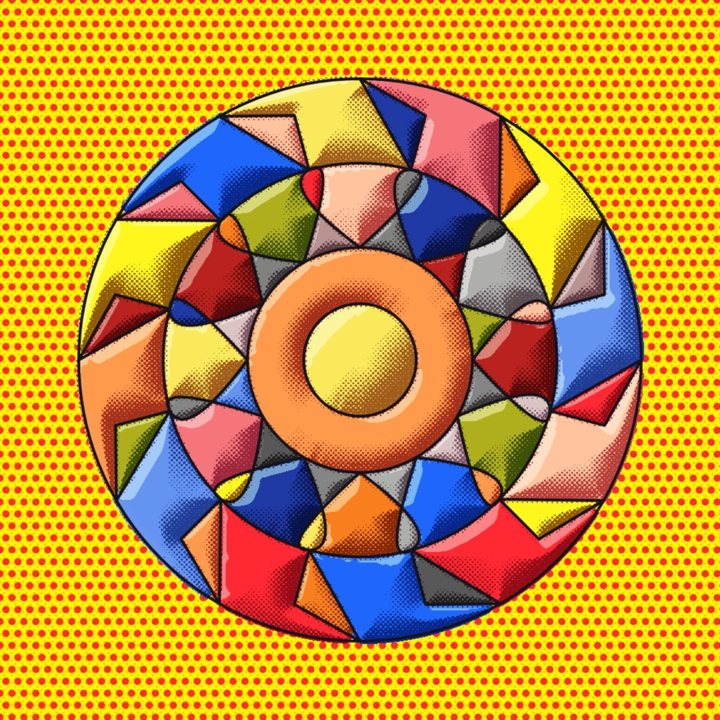
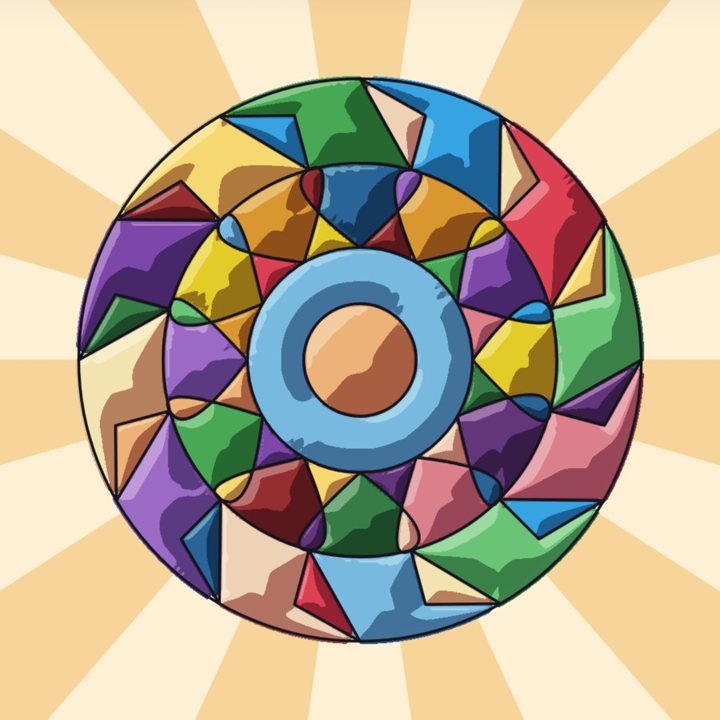
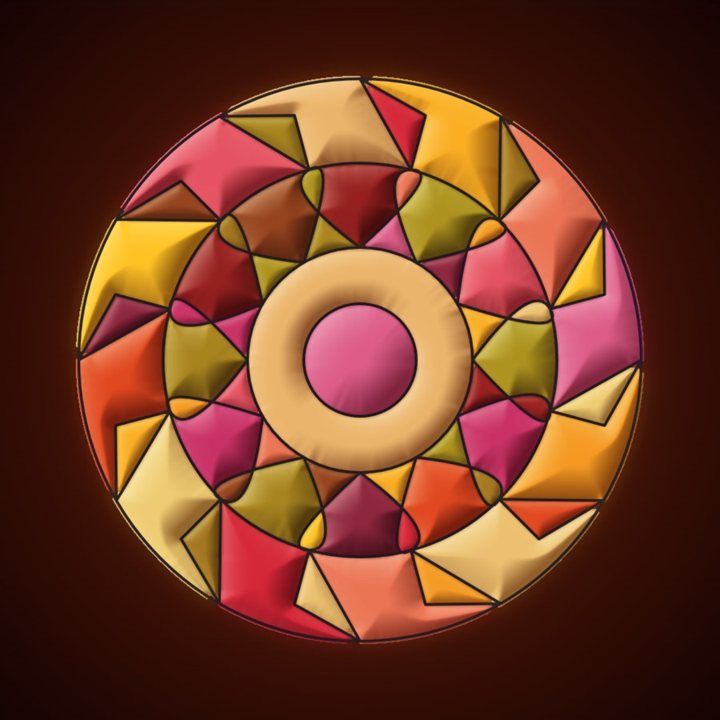
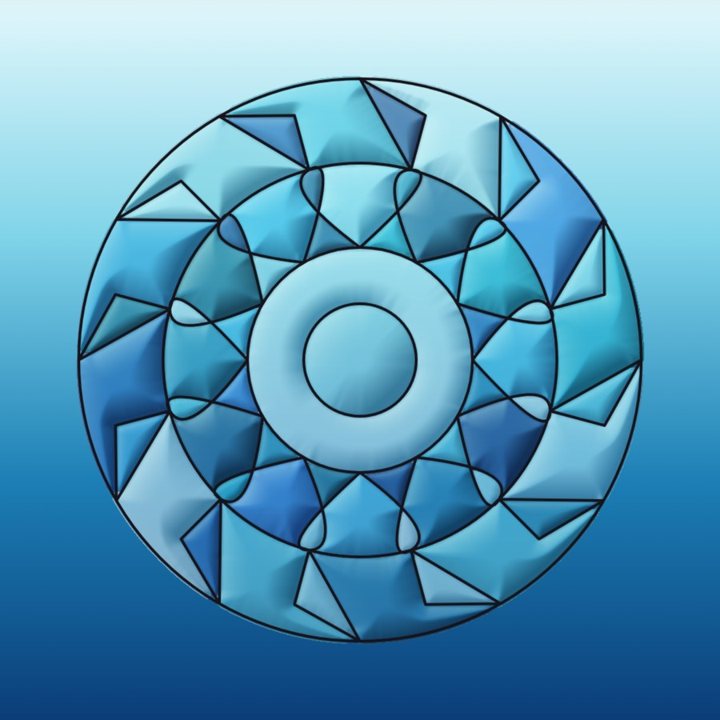
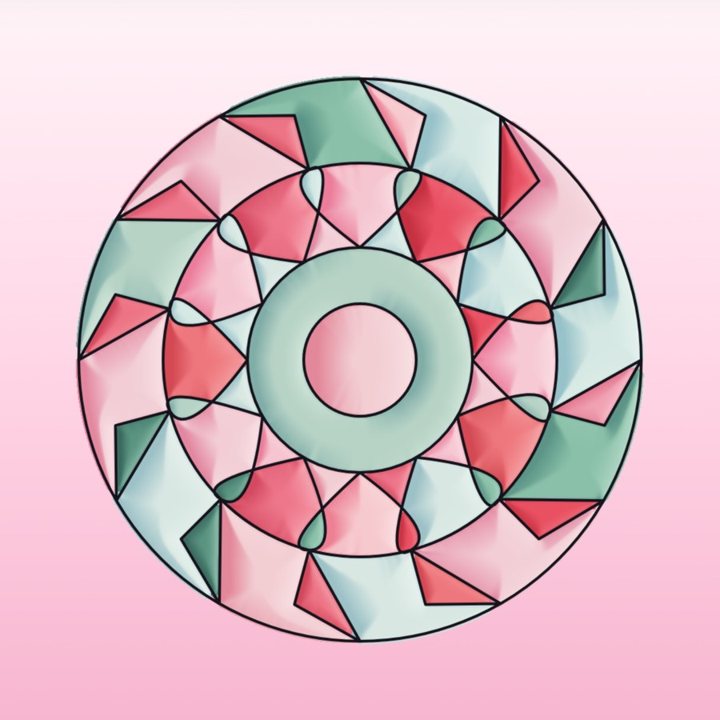
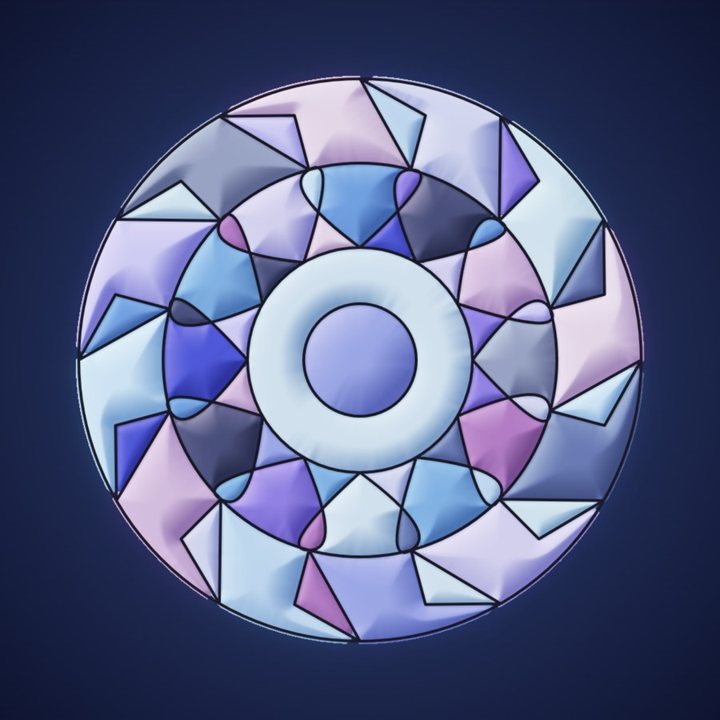
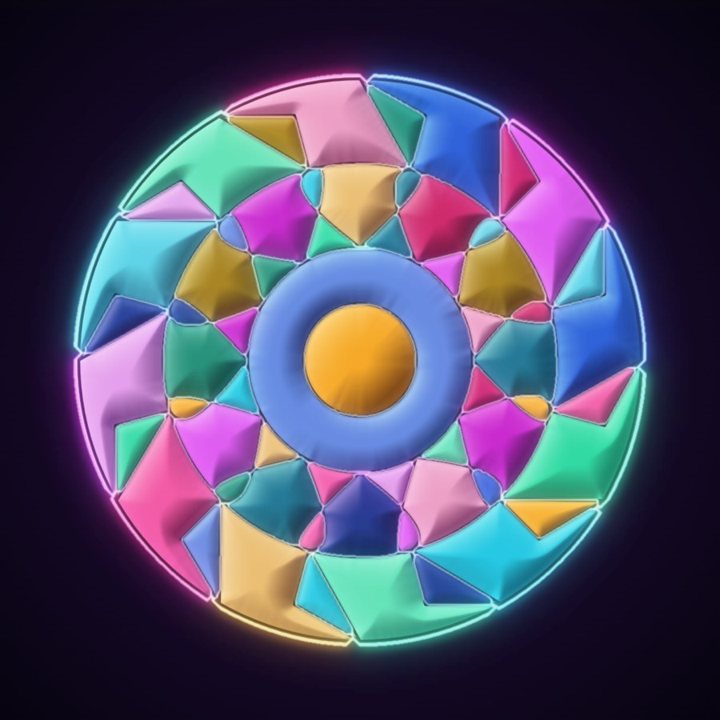
Try a mood, fix a color with the paint bucket, then try another. Your fixes stay put while you explore.
The studio
Color, size and opacity side by side. Fit, Move and Mirror one tap away. Brushes, layers and Paint For Me without digging through menus.
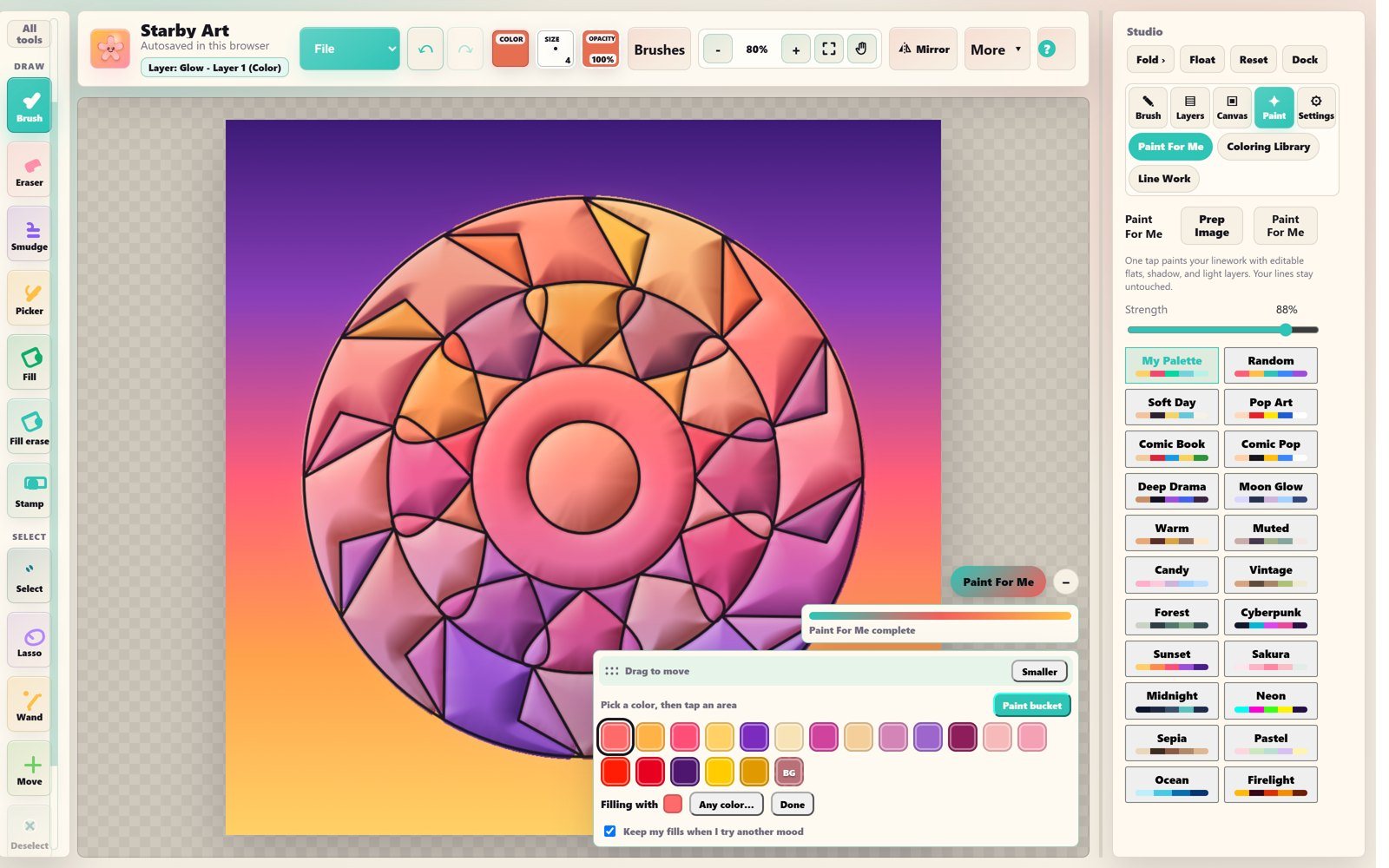

Your color, lighter and darker shades, recent colors and opacity, floating right next to your drawing.

Fix any area with a color from the painting's own palette. Shading and glow follow the new color.

Every mood shows its colors, so Neon, Sunset or Pop Art is exactly what you expect.
Core studio
Brushes, layers, Paint For Me, stamps, proof replay, and built-in tutorials. Everything an artist needs from sketch to finished proof, in one browser studio.
105 distinct brushes, eraser, smudge, fill, liquify, selections, and shape tools without fighting the interface.
Open feature overviewOpacity, locking, blend modes, clipping, groups, thumbnails, merge tools, and the confidence to experiment.
Open feature overviewTurn linework into base colors, shadows, and highlights faster, and your lines stay safe.
Open feature overviewSave your perfect ears, eyes, props, and guides. Reuse them when your next character needs them.
Open feature overviewShow your process with compact replay clips. Proving your art is human-made matters more every day.
Open feature overviewPractice hands, noses, heads, faces, value, and poses with friendly reference cards right on your canvas.
Open feature overviewStarby Art Suite
Starby Art is the drawing hub. Make your artwork, save it safely, then carry it into books, planning, and future creative tools without losing the original piece.
Find Your Creative Flow
Starby Art is built around the path artists actually follow. Start loose, clean the drawing, add color, build light and shadow, save your work, then share proof that the art came from your hand.
 Start your flow
Brush Bonanza
Sketch, ink, paint, watercolor, airbrush, texture, decor, border, comic, character, effects, secret FX, and smudge tools. Pick a family, find the vibe, and start drawing.
Sketch, draft, graphite, charcoal, and layout marks.
Liners, nibs, brush pens, bold marks, and rough ink.
Hair, faces, folds, skin, hands, shadows, and anime polish.
Oil, gouache, marker, watercolor wash, impasto, and painterly color.
Soft mist, stencil edges, blush, shadows, clouds, and spray effects.
Paper tooth, fabric, scales, stipple, grain, and surface magic.
Patterns, borders, florals, sparkles, and background detail brushes.
Tones, speed lines, panel lines, noir shading, and pop texture.
Glow, chrome, sparkle, clouds, shadow, blur, and decorative FX.
Extra stash of clouds, glow, blur, sharpen, shadow, and sparkle.
Blend, pull, push, smear, soften, and painterly edge control.
Beta safety and install
Starby Art runs as a PWA in your browser. Add it to your device, autosave while you work, and export `.starby` backups when a piece matters.
Use File, Save Project while you work so the browser keeps a recent editable copy.
Download an editable project file before refreshing, switching devices, or starting a major new version.
Keep PNG, transparent PNG, JPEG, WebP, PDF, or resized exports outside the browser for sharing and printing.
Use Proof Timelapse when process matters, especially for commissions, social posts, or portfolio trust.
Stay in the loop
Join the list for launch notes, new brush packs, and beta updates. No spam, just artist-tool progress.